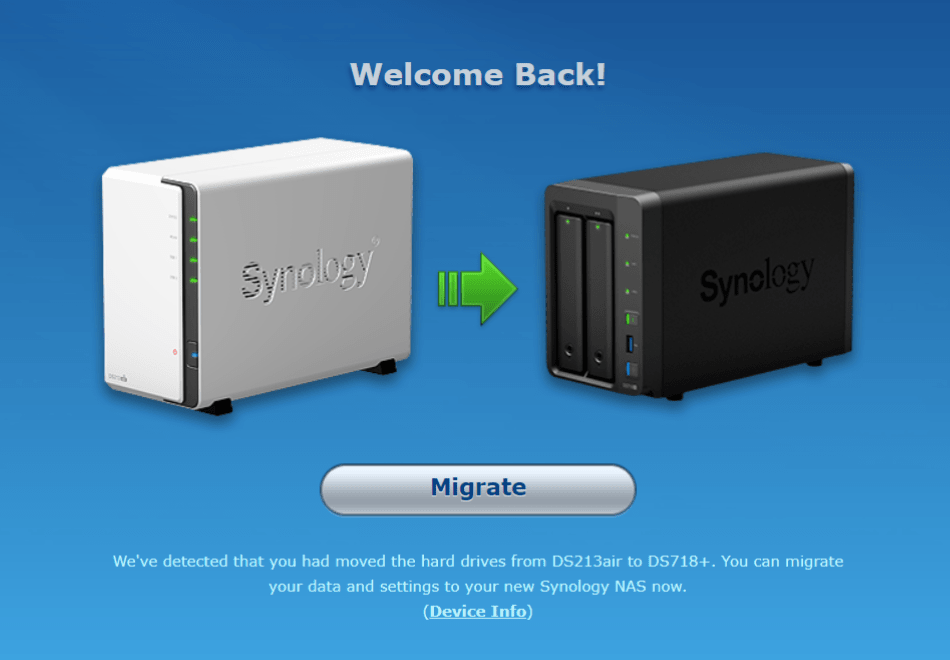
After five years I decided to replace my Synology DS213air with a new Synology DS718+.
The reasons were:
- More power
- Support to run Docker
- Hardware Encryption
Now, If you want to use Docker on Synology, you have to switch to the new filesystem Btrfs.
But how to convert an existing ext4 file system of your current Synology system to btrfs?
The short answer is: you can’t. You cannot convert an existing ext4 file system to btrfs!
The easiest way is to install a new system on a new hard disk (or like me you take the risk and delete on of your existing raid disks) and then move all data with the internal copy function to a new btrfs volume. After that you can delete (with caution) your old volume to the new disk group.

For my two disks each 8 TB with 3 TB used data, it took my about 20hrs to move all data.
Related articles
Dec 27, 2025 · 4 min read
Install Home Assistant on Synology NAS with Docker
Die deutsche Version findest du hier: Home Assistant via Docker auf einer Synology NAS installieren Home Assistant is the “hub” …
Dec 27, 2025 · 5 min read
Home Assistant via Docker auf einer Synology NAS installieren
You can find the English version of this guide here: Install Home Assistant on Synology NAS with Docker Home Assistant ist für viele der …
Oct 22, 2025 · 18 min read
Vaultwarden (Bitwarden) mit Docker auf Synology NAS selbst hosten
You can find the English version of this guide here: Self-Hosting Vaultwarden (Bitwarden) on Synology NAS with Docker …
Author

BEN ABT
Ben is a Principal Software Engineer at Medialesson.de, with a strong focus on .NET and Microsoft Azure. In his professional role, he designs and builds highly scalable platforms for hybrid and cloud-based scenarios. He also advises companies and C-levels on migrating to the sovereign cloud.
He runs myCSharp.de, the largest and most active German-speaking C# community forum, actively contributes to both his own and external open-source projects and regularly shares his knowledge through his blog, at community events, conferences and as a writer for technical magazines.
Let's Work Together
Looking for an experienced Platform Architect or Engineer for your next project? Whether it's cloud migration, platform modernization or building new solutions from scratch - I'm here to help you succeed.
Comments