This article was written in 2018. Versions, tools and recommendations may have changed since then. Newer posts are collected under ASP.NET Core.
Idea
YAML builds are a very common way to define builds in AppVeyor, but in Visual Studio Team Services (VSTS) this feature is pretty new - and still in beta.
But it gives you the most powerful way to have your build definitions as close as possible to your source code.
Enable YAML builds
Because it is still in preview (June 2018), you have to enable YAML builds for your team (you need admin permissions!). VSTS: Enable preview features
Create your YAML definition.
VSTS automatically creates the definition, if you add a file to your master branch named .vsts-ci.yml
A simple definition for ASP.NET Core could look like:
 1
 2queue:
 3  name: Hosted 2017
 4
 5steps:
 6
 7# Download the latest recommended NuGet exe
 8
 9- task: NuGetToolInstaller@0
10  displayName: "NuGet use 4.6.2"
11  inputs:
12    versionSpec: 4.6.2
13
14# Restore NuGet packages
15
16- task: NuGetCommand@2
17  displayName: "NuGet Restore"
18  inputs:
19    restoreSolution: '**/*.csproj'
20    feedsToUse: config
21    nugetConfigPath: NuGet.config # you should always have a NuGet.config file!
22
23# Build your .NET Core project (but avoid restore your packages again)
24
25- task: DotNetCoreCLI@2
26  displayName: ".NET build"
27  inputs:
28    projects: '**/*.csproj'
29    arguments: --configuration $(BuildConfiguration) --no-restore
30
31# Run your unit tests
32
33- task: DotNetCoreCLI@2
34  displayName: ".NET test"
35  inputs:
36    command: test
37    projects: 'test\**.csproj'
38
39# Create the deployment package for your web project
40
41- task: DotNetCoreCLI@2
42  displayName: ".NET publish package"
43  inputs:
44    command: publish
45    arguments: '--configuration $(BuildConfiguration) --no-restore --output $(Build.ArtifactStagingDirectory)/app/pkg'
46
47# Publish your web project deployment packages as named artifact 'app'
48
49- task: PublishBuildArtifacts@1
50  displayName: "Publish artifacts"
51  inputs:
52    PathtoPublish: '$(Build.ArtifactStagingDirectory)/app'
53    ArtifactName: app
54    publishLocation: Container
Use YAML exports
With the enabled YAML build preview feature you can export your existing VSTS build definitions as YAML builds.
Just open the definition and click on View YAML
Right now, you get a warning about undefined variables in your YAML builds - but you can ignore this error, if you are just using the VSTS default variables.
Official documentation
YAML builds are still in prview, so some features of VSTS dont work with YAML build (like build badges): VSTS: How to use YAML builds
Abel Wang from Microsoft uploaded a great video about VSTS YAML builds on YouTube:
Related articles
- 7 min read
Modern versioning for ASP.NET Core and web apps and how to produce idempotent artifacts
ASP.NET Core applications are usually released often enough that versioning stops being a documentation concern and turns into delivery …
- 2 min read
Setup VSTS YAML builds for your Angular app
Idea According to the ASP.NET Core YAML build sample, this sample covers the Angular part. I recommend an own build agent, because the …
- 1 min read
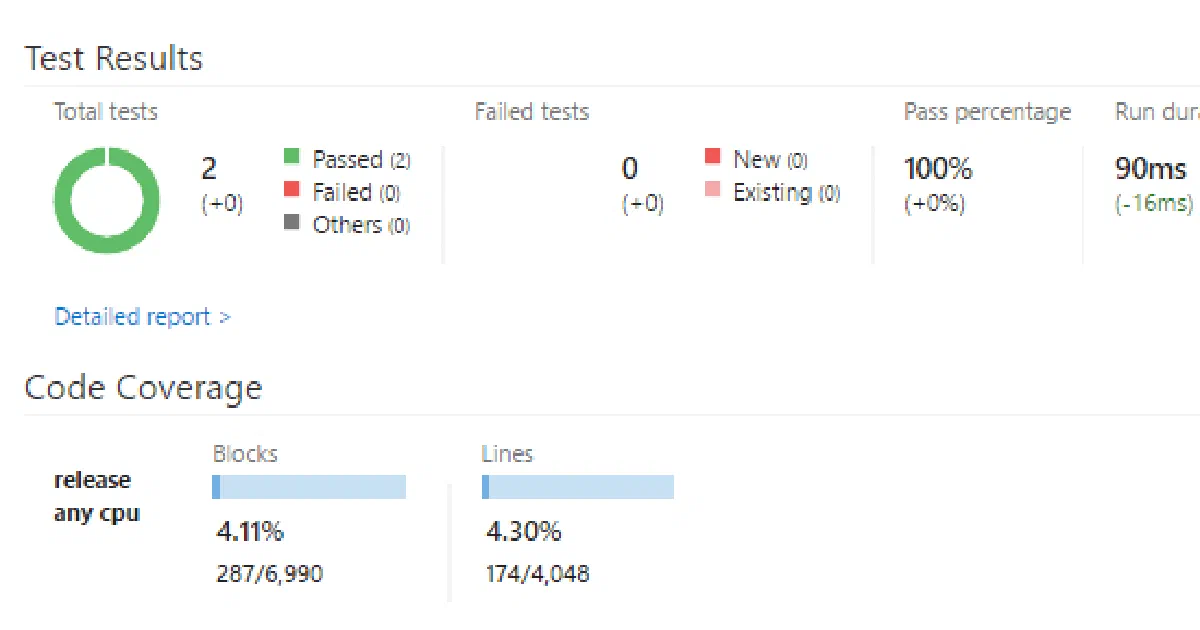
Aktivieren der Code-Coverage-Überwachung in Visual Studio Team Services
Code Coverage Die Code Coverage ist ein wirklich nützlicher Anhaltspunkt um für die Abdeckung von Software Tests ein Gefühl zu bekommen.

BEN ABT
Ben is Chief Engineering Officer and Principal Software Engineer at Medialesson.de, with a strong focus on .NET and Microsoft Azure. In his professional role, he designs and builds highly scalable platforms for hybrid and cloud-based scenarios. He also advises companies and C-levels on migrating to the sovereign cloud.
He runs myCSharp.de, the largest and most active German-speaking C# community forum, actively contributes to both his own and external open-source projects and regularly shares his knowledge through his blog, at community events, conferences and as a writer for technical magazines.
Let's Work Together
Looking for an experienced Platform Architect or Engineer for your next project? Whether it's cloud migration, platform modernization or building new solutions from scratch - I'm here to help you succeed.