This article was written in 2019. Versions, tools and recommendations may have changed since then. Newer posts are collected under Blog.
The GoPro Hero series is the most popular action cam on the market. The current GoPro Hero 7 also offers USB-C, a micro-HDMI port as well WiFi and Bluetooth. However, the GoPro is just too good to have a life in a bag until I’m next on holiday. That’s why I had the idea to replace my Logitech 720p webcam with my the GoPro Hero 7.
But, even in the current version, it is not possible to use the GoPro out-of-the box as a webcam on your PC or laptop. The only way to broadcast the camera image live is HDMI.
The problem: Most PCs don’t have an HDMI input. The solution: Elgato Cam Link !
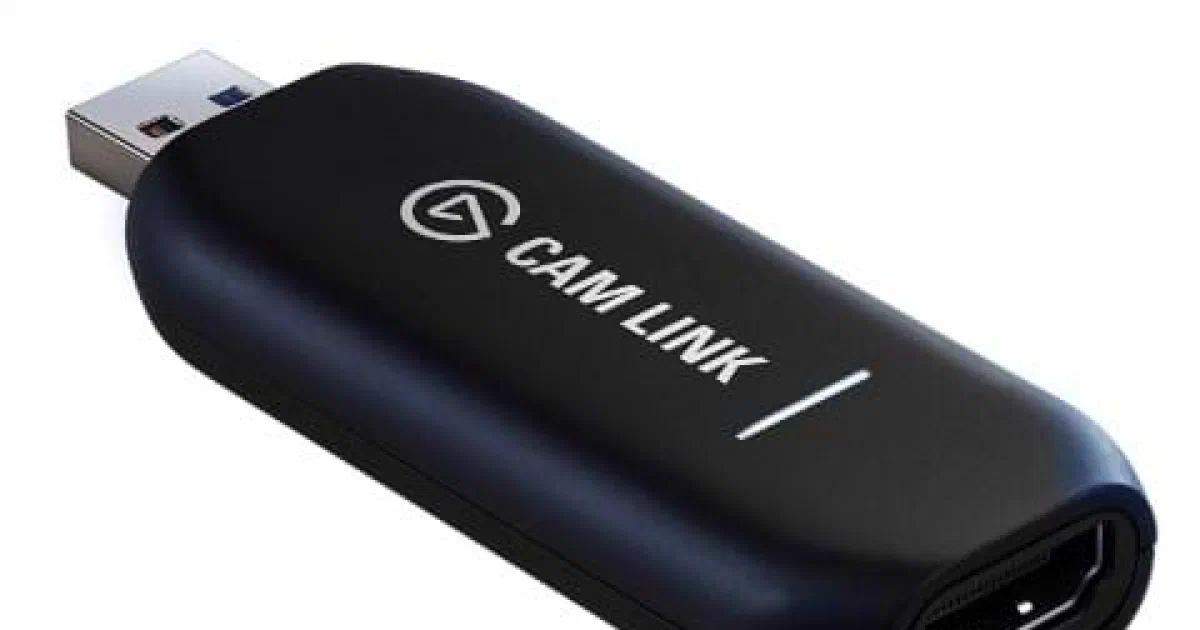
Elgato Cam Link
Elgato is known from the PC streamer scene like YouTube or Twitch. But also offers many accessories that are suitable for everyone. The product that is the solution to transform a GoPro - or any other type of camera with HDMI-Ouput - into a webcam is called Cam Link .
The Elgato Cam Link is a HDMI-to-USB dongle with a size of a simple USB stick.
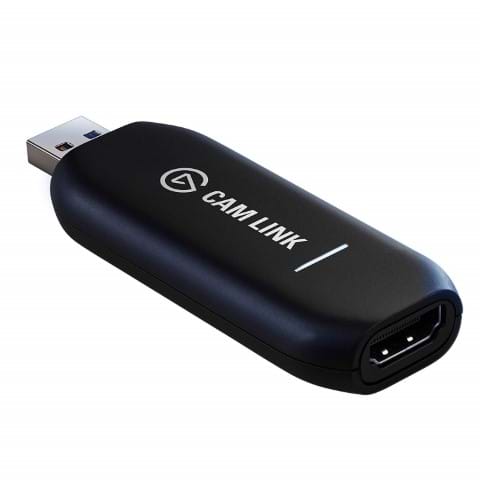
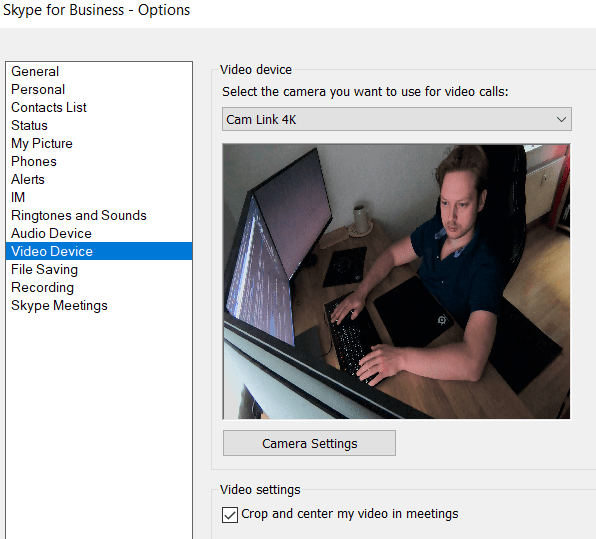
The big advantage unlike many no-name products with similar solutions is: No driver is needed and supports the 4K view of the GoPro natively! Windows recognizes the Cam Link as webcam. You can use the Webcam in Skype, Skype for Business, Discord and any other software that can handle a webcam.
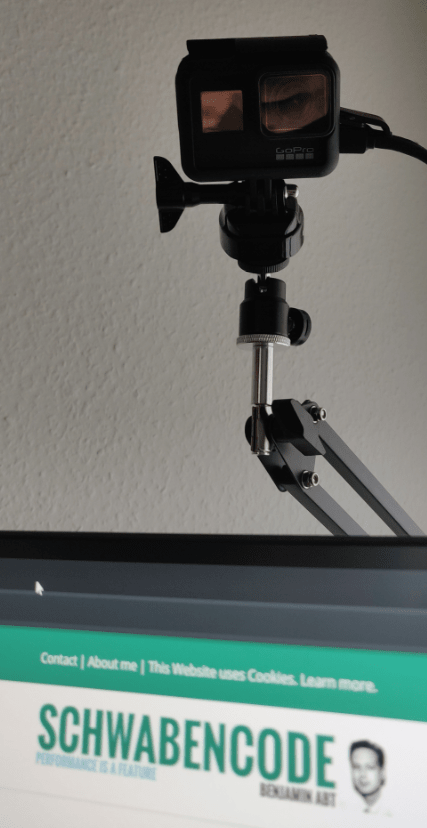
My setup is now
- GoPro Hero 7
- GoPro Hero 7 open case (you cannot use USB-C / HDMI with the original case!)
- Camera tripod
- GoPro tripod adapter
- 3m HDMI cable
- 3m USB-C cable (you can run your GoPro just with a cable, no battery needed!)
- Elgato Cam Link
Hint
You need USB 3.0 if you want to stream 4k. Also with Full HD a single USB port is recommended. The bandwith of a USB hub (like in a Monitor) is not enough and you will see a huge latency!

BEN ABT
Ben is Chief Engineering Officer and Principal Software Engineer at Medialesson.de, with a strong focus on .NET and Microsoft Azure. In his professional role, he designs and builds highly scalable platforms for hybrid and cloud-based scenarios. He also advises companies and C-levels on migrating to the sovereign cloud.
He runs myCSharp.de, the largest and most active German-speaking C# community forum, actively contributes to both his own and external open-source projects and regularly shares his knowledge through his blog, at community events, conferences and as a writer for technical magazines.
Let's Work Together
Looking for an experienced Platform Architect or Engineer for your next project? Whether it's cloud migration, platform modernization or building new solutions from scratch - I'm here to help you succeed.