
This article was written in 2019. Versions, tools and recommendations may have changed since then. Newer posts are collected under ASP.NET Core.
AWS (Amazon Web Services) offers an extra toolkit for Visual Studio 2017 and Visual Studio 2019 that integrates seamlessly to create projects based on AWS products.
The toolkit is available for VS2017 and VS2019 as well as for the older Visual Studio versions 2013 and 2015.
For the older versions, however, not all features will be offered, which is less due to AWS itself, but to the fact that simply VS2013 and VS2015 do not have the features at all (e.g. .NET Core).
You can download them directly here: https://aws.amazon.com/de/visualstudio/
Create your AWS project
After installing the toolkit, Visual Studio lists a number of templates to create your own project based on them. Just type “AWS” into the search bar to see the list of AWS projects.
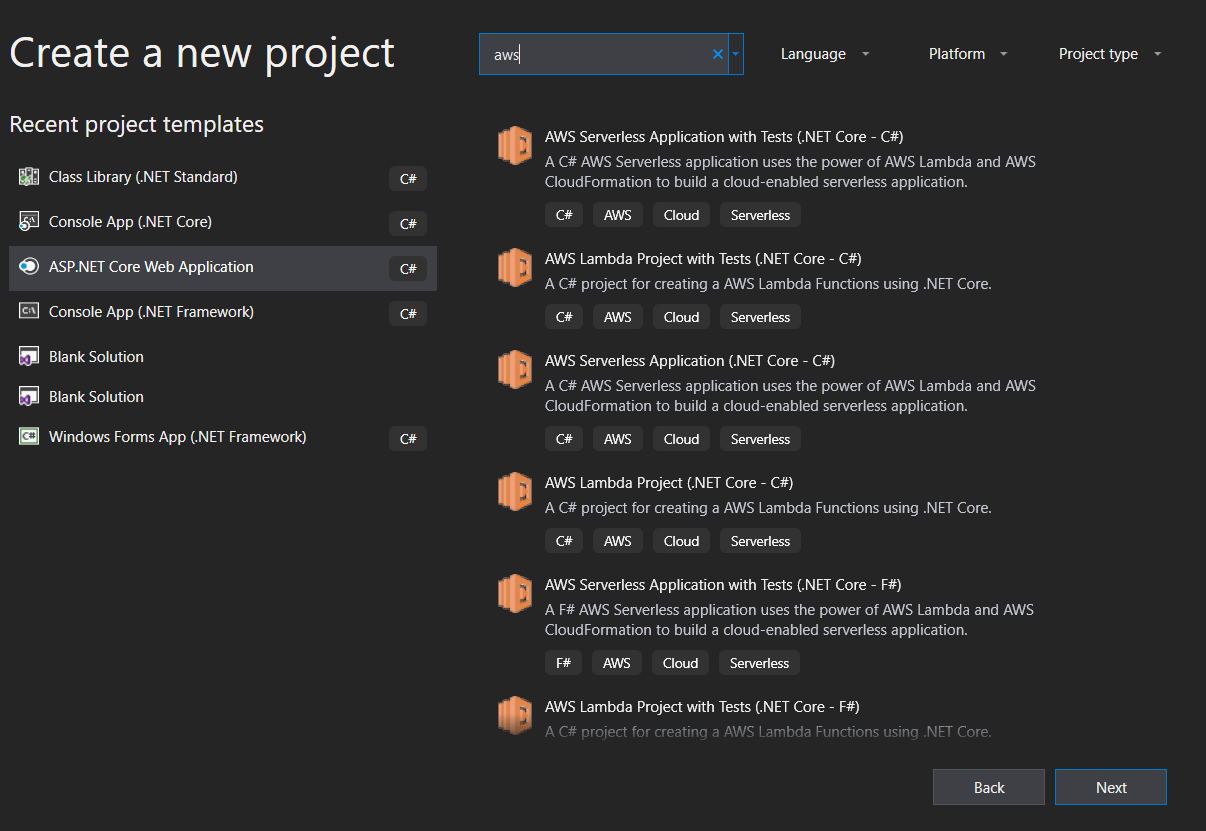
As an example I have used a serverless template, which I now have to enter additional information such as the project name, solution name and directory.
This does not differ from the standard Visual Studio templates.

AWS SDK - ASP.NET Core Serverless Blueprint
A special feature of the AWS Serverless Templates are now the so-called Blueprints.
At this point it is possible to use not only standard Lambda Functions or standard AWS Functions, but a special feature in the function world: ASP.NET Core as Serverless Function!
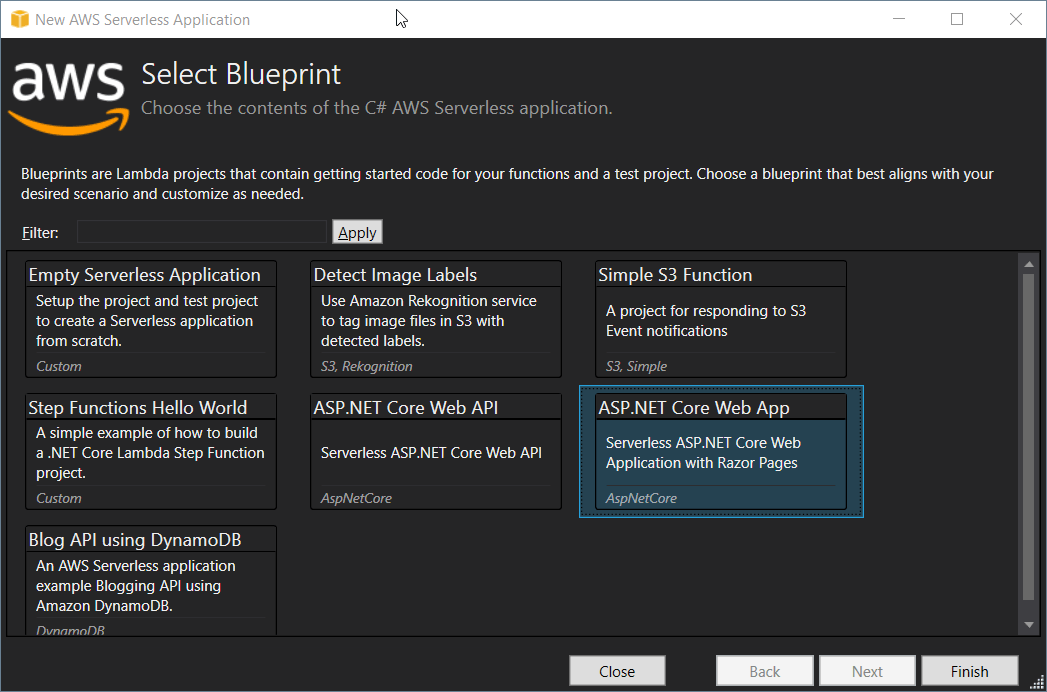
Yeah, you read right.
The AWS SDK offers its own entry point, so an ASP.NET core application runs as a real Lambda function! Microsoft Azure or the Azure SDK cannot do this at the moment!
This fundamentally changes the billing of ASP.NET Core Applications. Previously, you had to use “simple” functions - both in the AWS and in the Azure world - if you only wanted to pay for per request.
With the AWS SDK it is now possible to pay for an entire application per call instead of with a reserved computing power. Especially for smaller, less frequented websites ASP.NET Core becomes more attractive again!
Visual Studio ASP.NET Core Serverless Project
After you create the ASP.NET Core Serverless Blueprint, the project looks like an ASP.NET Core project normally does.
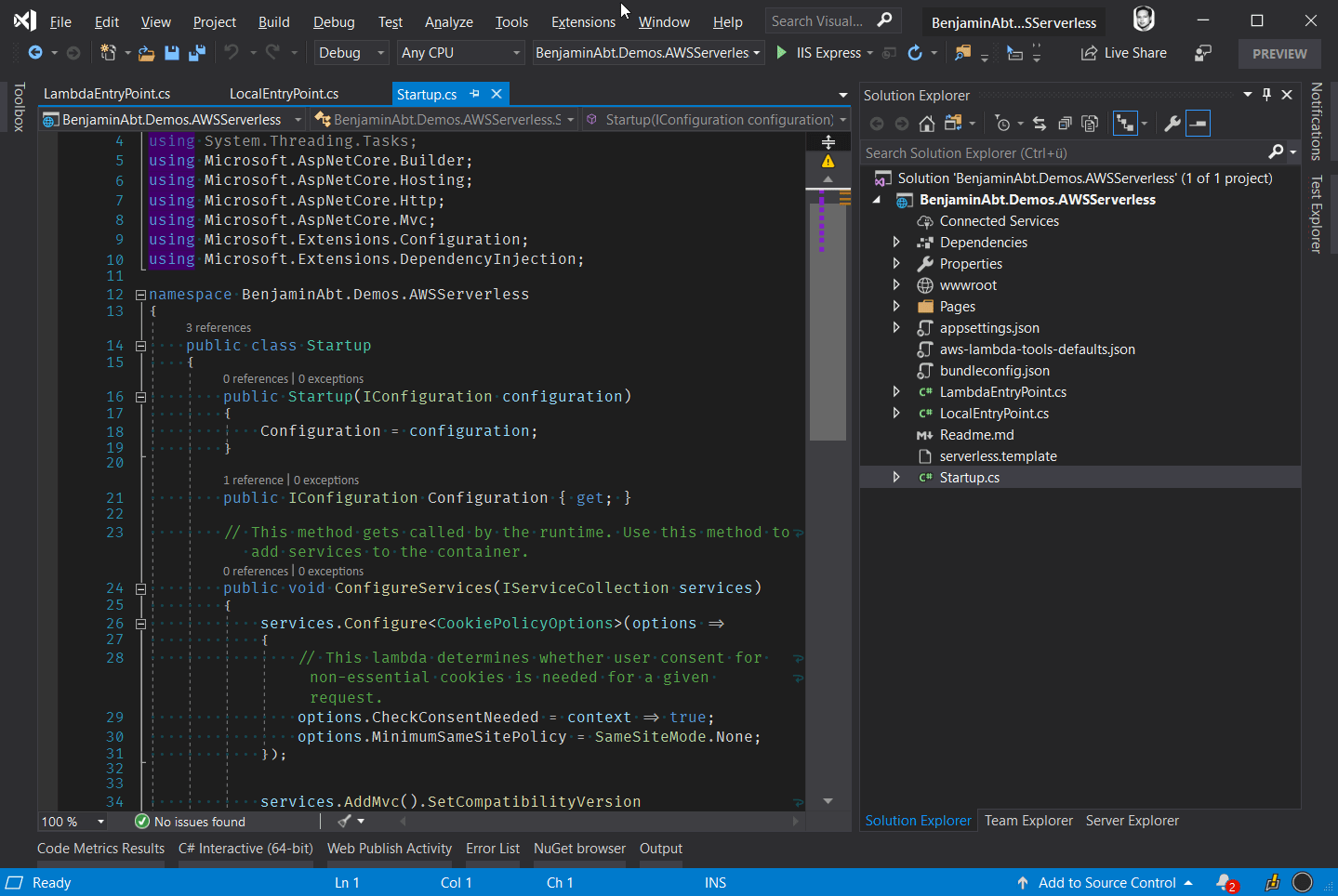
The special feature is the LambdaEntryPoint, which makes it possible to operate the application not only in a web server but also more efficiently in an AWS Lambda.
 1namespace BenjaminAbt.Demos.AWSServerless
 2{
 3    /// <summary>
 4    /// This class extends from APIGatewayProxyFunction which contains the method FunctionHandlerAsync which is the
 5    /// actual Lambda function entry point. The Lambda handler field should be set to
 6    ///
 7    /// BenjaminAbt.Demos.AWSServerless::BenjaminAbt.Demos.AWSServerless.LambdaEntryPoint::FunctionHandlerAsync
 8    /// </summary>
 9    public class LambdaEntryPoint :
10        // When using an ELB's Application Load Balancer as the event source change
11        // the base class to Amazon.Lambda.AspNetCoreServer.ApplicationLoadBalancerFunction
12        Amazon.Lambda.AspNetCoreServer.APIGatewayProxyFunction
13    {
14        /// <summary>
15        /// The builder has configuration, logging and Amazon API Gateway already configured. The startup class
16        /// needs to be configured in this method using the UseStartup<>() method.
17        /// </summary>
18        /// <param name="builder"></param>
19        protected override void Init(IWebHostBuilder builder)
20        {
21            builder
22                .UseStartup<Startup>();
23        }
24    }
25}
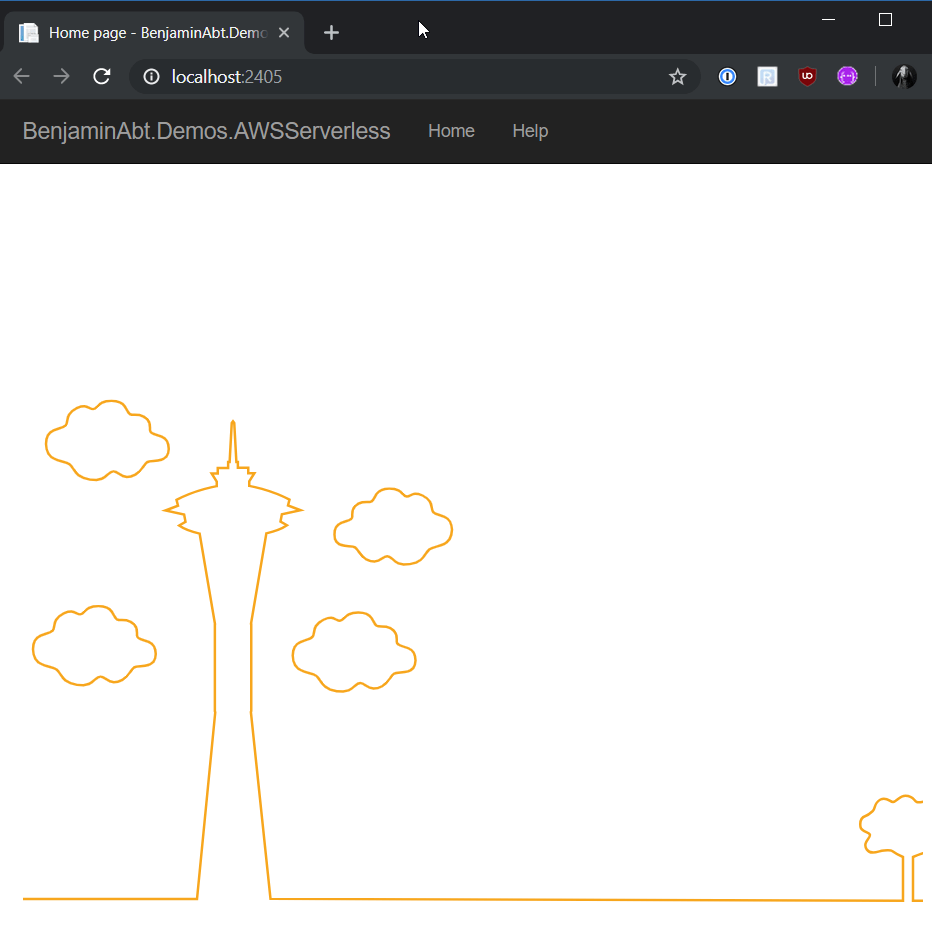
If you now start the application locally (uses LocalEntryPoint.cs ), the standard browser opens as usual with a slim demo view.
Publish to AWS Lambda
In principle, it is not a good idea to publish an application directly from Visual Studio. A real application should always be built, tested and published through a real DevOps process!
Nevertheless, the AWS Toolkit also offers the possibility to publish an application directly from Visual Studio to AWS, which is perfectly fine for demos.

If an AWS Publish Profile has already been set up (contains AWS Credentials), in principle only the name for the storage (project output files are stored here), the stack name (address endpoint name) and the region in which the application should run must be specified.
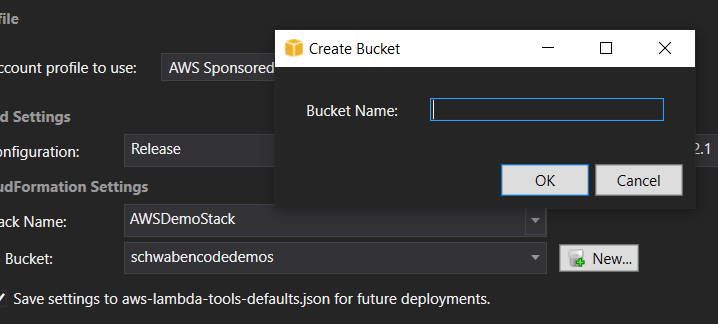
Make sure that the application itself and also the storage must be in the same region, otherwise the deployment will crash. Unfortunately there is no warning in the Publish dialog.
If all information for the publication is given, publish can start. The AWS Visual Studio Toolkit provides a very detailed description of what happens during the release.
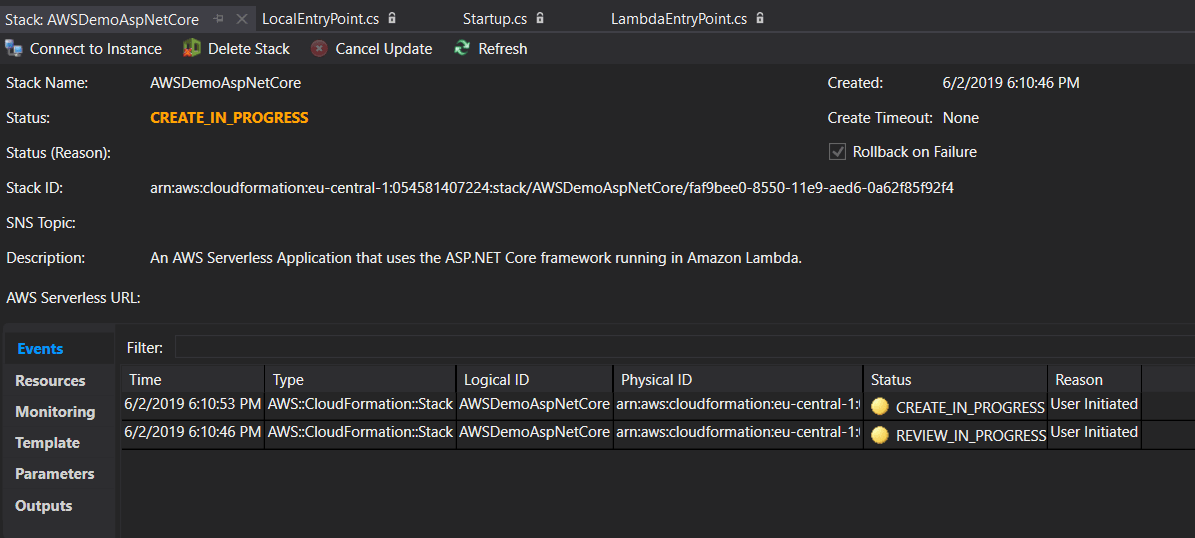
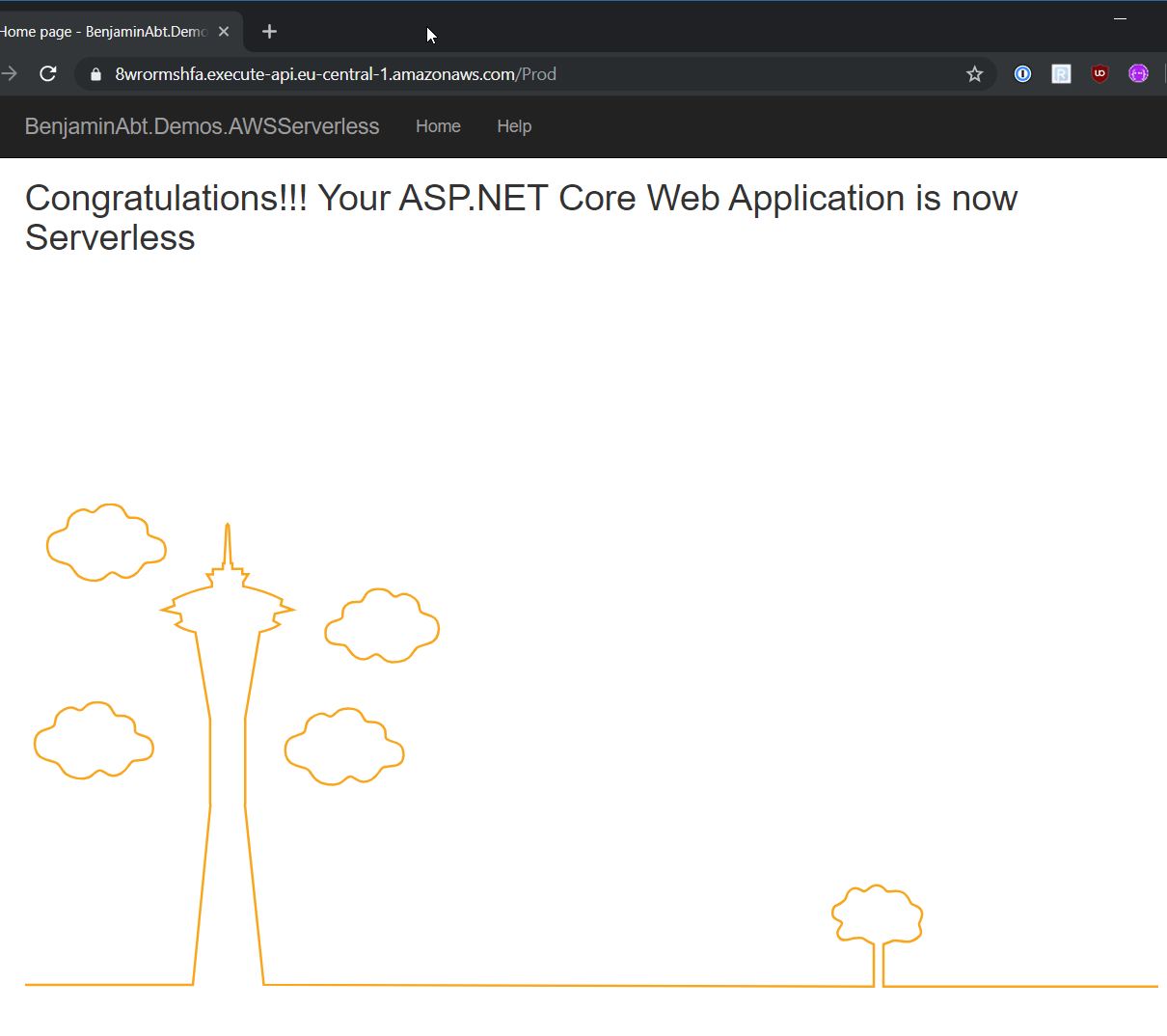
Done! A few seconds later, the application can be accessed via the Internet on AWS Lambda.
Related articles

- 5 min read
ASP.NET Core Serverless on AWS Lambda
Serverless Serverless is on everyone’s lips; in the .NET area it means mainly Azure Functions. In principle Serverless is all about …

- 1 min read
HTTP Status 500 on debugging ASP.NET Core with Visual Studio 2017
I gave my PC a new Windows installation and run into the following error: Unable to start process C:\Program Files\dotnet\dotnet.exe. The …

- 12 min read
Problem Details in ASP.NET Core and .NET 11
builder.Services.AddProblemDetails() registers infrastructure. It does not create an error contract. An ASP.NET Core request can fail during …

BEN ABT
Ben is Chief Engineering Officer and Principal Software Engineer at Medialesson.de, with a strong focus on .NET and Microsoft Azure. In his professional role, he designs and builds highly scalable platforms for hybrid and cloud-based scenarios. He also advises companies and C-levels on migrating to the sovereign cloud.
He runs myCSharp.de, the largest and most active German-speaking C# community forum, actively contributes to both his own and external open-source projects and regularly shares his knowledge through his blog, at community events, conferences and as a writer for technical magazines.
Let's Work Together
Looking for an experienced Platform Architect or Engineer for your next project? Whether it's cloud migration, platform modernization or building new solutions from scratch - I'm here to help you succeed.