
There are several ways to integrate source code including code highlighting into blogs, but GitHub Gists are by far the most convenient and best maintained option.
Especially for Medium blogs, since Medium does not offer any code highlighting by default.
To do this, you can simply use the GitHub Gists, where each Gist allows multiple files and thus different code languages per Gist, which makes it very convenient and clear.
Create Gist
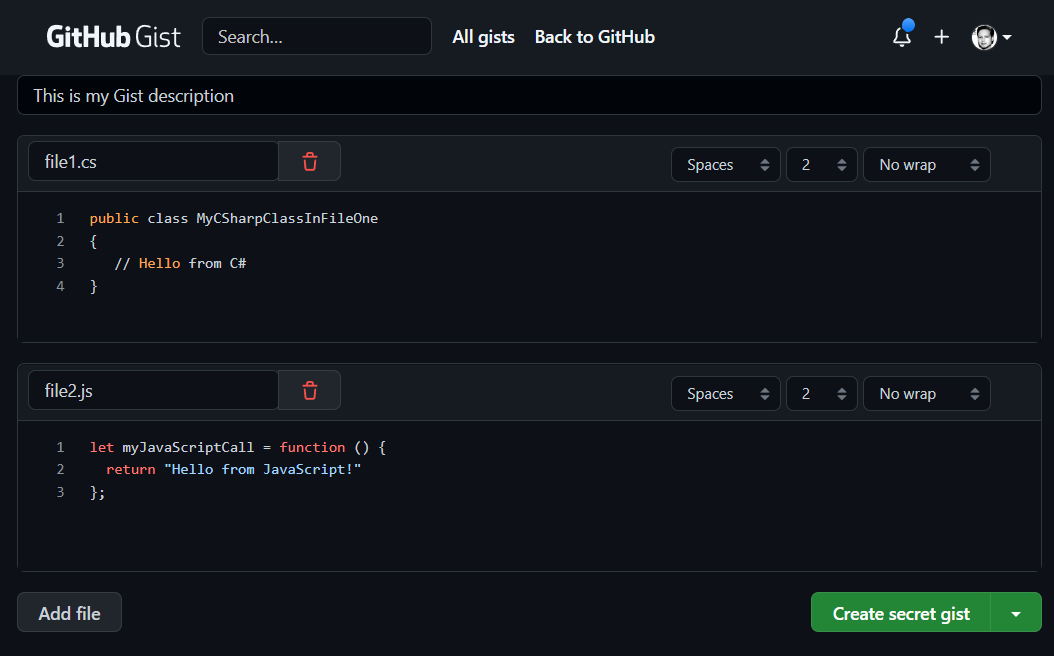
After the GitHub Gist is created, you get an overview including code highlighting.
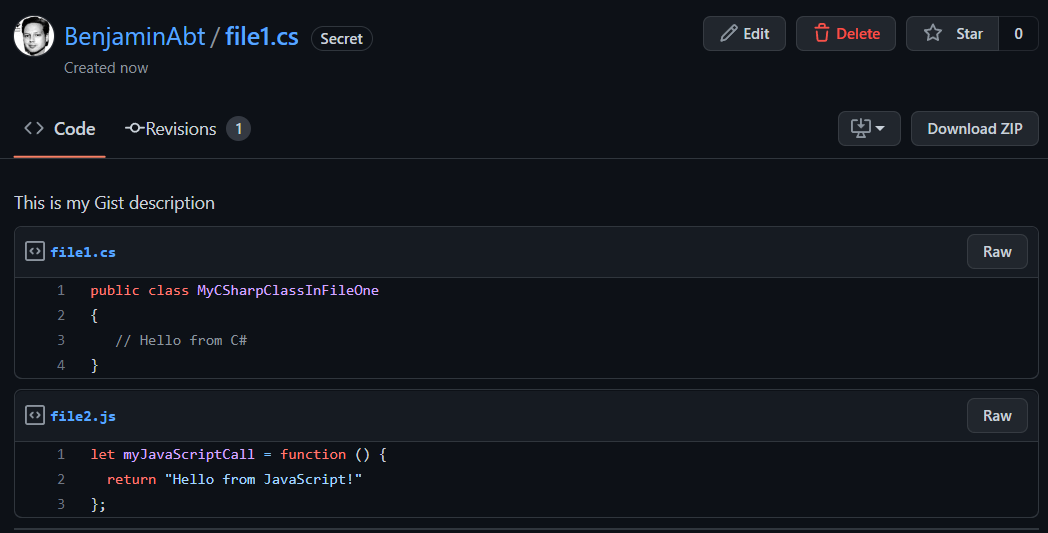
Embed Gist
The Gist UI now has the option of embedding or directly copying the embed in the top right corner.
In my case I get the following HTML snippet:
1<script src="https://gist.github.com/BenjaminAbt/ee4f77b9c5f3068506dd0d43df57f8f8.js"></script>
which renders to
You can now see both files as snippets below each other.
Embed single file of a Gist
So by default, embedding GitHub Gists adds all files to be listed below each other. However, you can manually just add a url query parameter to embed specific files of a Gist to improve the reading flow.
For this a parameter ?file=myfile must be added. Where the filename is the one you specify in the gist itself.
So from https://gist.github.com/BenjaminAbt/ee4f77b9c5f3068506dd0d43df57f8f8.js it should be https://gist.github.com/BenjaminAbt/ee4f77b9c5f3068506dd0d43df57f8f8.js?file=file1.cs
1<script src="https://gist.github.com/BenjaminAbt/ee4f77b9c5f3068506dd0d43df57f8f8.js?file=file1.cs"></script>
which renders to
So just the C# file is now rendered!
Now with Medium
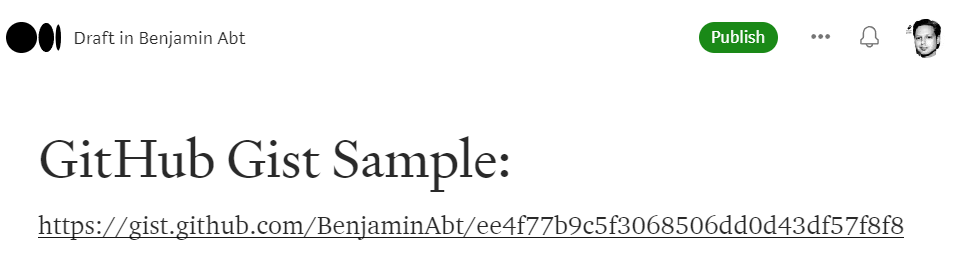
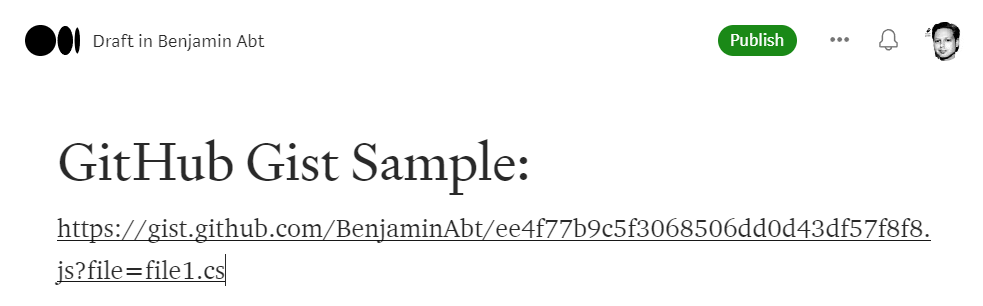
However, Medium does not allow HTML code to be used for embedding. Instead, I’m only allowed to use the link and Medium automatically renders the full snippet from it:
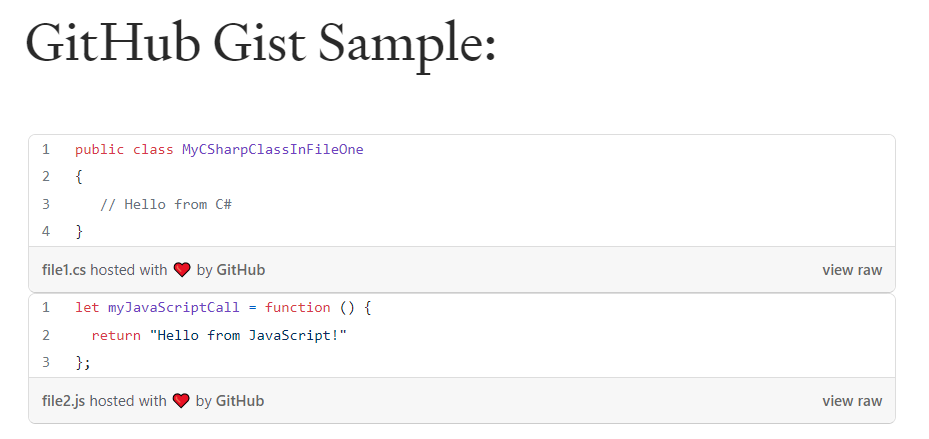
You can now see both files as snippets below each other.
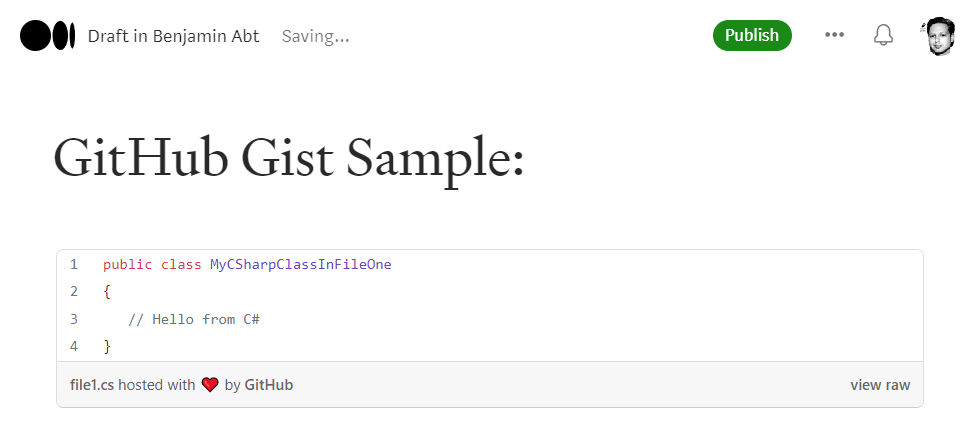
In order to display a single file in Medium, you have to append the file name as a parameter:
You now see the single embedded file!
Have fun!
Related articles

Feb 12, 2026 · 8 min read
Agent Skills Standard: The Quality Contract Behind Reliable AI Agents
Large language model agents can appear intelligent while still producing unstable output across runs, contexts and tasks. In practice, this …

Jan 19, 2026 · 7 min read
Ralph Loop: Autonomous Coding with GitHub Copilot CLI
What if an AI agent could write code, run tests, fix errors and repeat this process autonomously until the job is done? The Ralph Wiggum …

May 23, 2025 · 4 min read
Setting up GitHub Copilot for Better Commit Messages in VS Code
Look, we’ve all been there. It’s 11 PM, you’ve just fixed a nasty bug and you’re about to commit with “fix …
Author

BEN ABT
Ben is a Principal Software Engineer at Medialesson.de, with a strong focus on .NET and Microsoft Azure. In his professional role, he designs and builds highly scalable platforms for hybrid and cloud-based scenarios. He also advises companies and C-levels on migrating to the sovereign cloud.
He runs myCSharp.de, the largest and most active German-speaking C# community forum, actively contributes to both his own and external open-source projects and regularly shares his knowledge through his blog, at community events, conferences and as a writer for technical magazines.
Let's Work Together
Looking for an experienced Platform Architect or Engineer for your next project? Whether it's cloud migration, platform modernization or building new solutions from scratch - I'm here to help you succeed.
Comments