
Setting up a local Docker registry is a great way to manage and share container images in your development environment without relying on external services like Docker Hub. This guide walks you through setting up a private Docker registry on your machine using PowerShell on Windows.
Prerequisites
- Docker Desktop installed
- Windows PowerShell
- Optional:
curlorInvoke-RestMethodfor testing
Step 1: Start the Docker Registry Container
Docker provides an official image for the registry. You can launch it using PowerShell:
1docker run -d `
2  -p 5000:5000 `
3  --restart=always `
4  --name registry `
5  registry:2
This will expose your registry at http://localhost:5000.
Step 2: Test the Registry
Let’s push a simple image to the local registry:
1# Pull an example image
2docker pull hello-world
3
4# Tag it for the local registry
5docker tag hello-world localhost:5000/hello-world
6
7# Push it to the local registry
8docker push localhost:5000/hello-world
Step 3: Check Available Images
To verify that the image was stored, run:
Invoke-RestMethod -Uri http://localhost:5000/v2/_catalog1{
2 "repositories": [
3 "hello-world"
4 ]
5}Conclusion
With just a few commands, you can spin up your own private Docker registry for local development. It’s a great tool for testing, internal CI/CD workflows or teams working in isolated environments.
Related articles

- 15 min read
Stop Using nginx as Your Default Static File Server in Docker
In the week of October 21, 2026, government portals in the Netherlands, Finland and Germany, hospital websites and several large companies …
- 11 min read
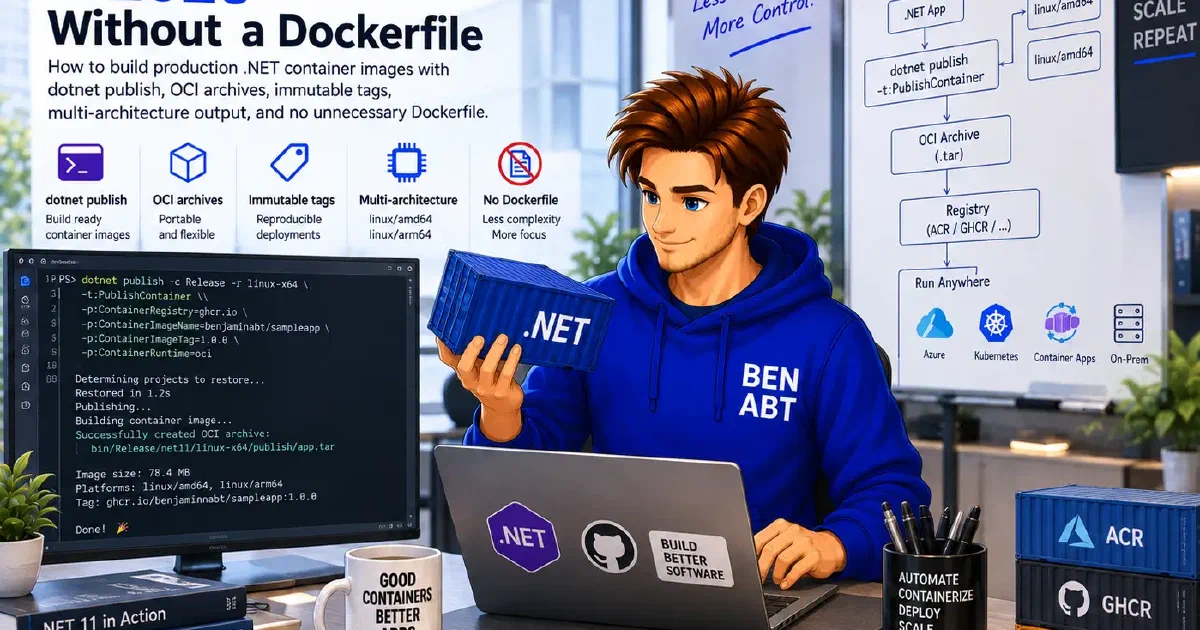
Containerizing .NET in 2026 Without a Dockerfile
Most .NET Dockerfiles repeat the same five steps: restore, publish, select the matching Microsoft runtime image, copy the output and start …

- 10 min read
Backing Up GitHub Repositories on Synology NAS with gickup
GitHub is an operational platform, not a backup strategy. For a long time, that distinction often felt theoretical because GitHub is - …

BEN ABT
Ben is Chief Engineering Officer and Principal Software Engineer at Medialesson.de, with a strong focus on .NET and Microsoft Azure. In his professional role, he designs and builds highly scalable platforms for hybrid and cloud-based scenarios. He also advises companies and C-levels on migrating to the sovereign cloud.
He runs myCSharp.de, the largest and most active German-speaking C# community forum, actively contributes to both his own and external open-source projects and regularly shares his knowledge through his blog, at community events, conferences and as a writer for technical magazines.
Let's Work Together
Looking for an experienced Platform Architect or Engineer for your next project? Whether it's cloud migration, platform modernization or building new solutions from scratch - I'm here to help you succeed.